
How to Convert a TikTok Slideshow into a Video
Download the photos and sound from a TikTok slideshow, then rebuild it as one MP4 you can share anywhere.
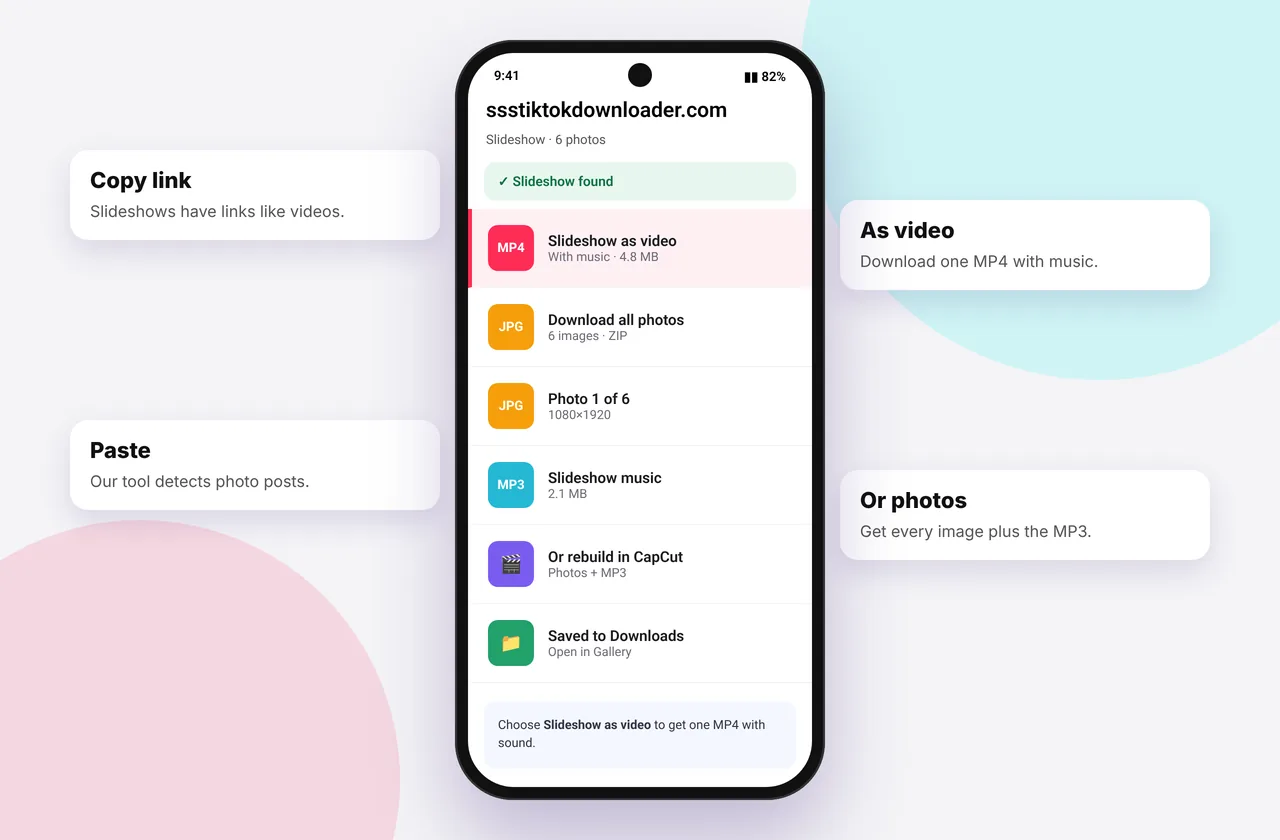
TikTok photo mode posts are slideshows of images with music. They aren't stored as a single video, so you can't download them as one MP4 directly. The good news is that rebuilding the slideshow takes a couple of minutes with free apps. This is ideal for sharing to WhatsApp Status, Instagram Stories or a family group chat.
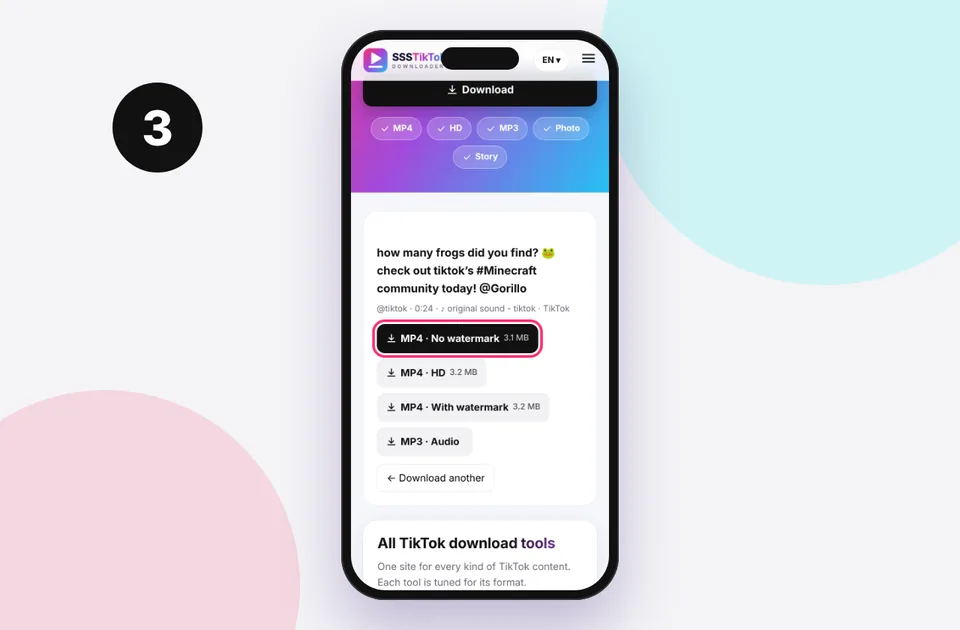
The same tool you use to download TikTok videos also saves every photo of a slideshow.
Step 1: Download the photos and the music
- Copy the slideshow link and paste it into the TikTok photo downloader.
- Tap Download all to save every image in order.
- Tap MP3 · Audio to save the soundtrack (MP3 downloader).
On iPhone, move the images to Photos (Files → Select → Share → Save Images) so editing apps can find them. See save to camera roll.
Step 2: Rebuild the slideshow
With CapCut (iPhone, Android, PC)
- Tap New project and select the photos in order.
- Tap Audio → Sounds → Your sounds (or Extracted) and add the MP3.
- Set each photo's duration. TikTok slideshows usually use 2–3 seconds per image.
- Tap Export and choose 1080p.
With iMovie (iPhone, iPad, Mac)
- Create a Movie project and select the photos.
- Tap + → Audio → Files and choose the MP3.
- Adjust image durations, and turn off Ken Burns zoom if you want a static look.
- Export via Share → Save Video.
With Google Photos (Android)
Open Library → Utilities → Movie (or Create → Highlight video), pick the photos and add music from your device. Options are simpler, but it's quick.
On Windows
Open Clipchamp, import the photos and MP3, drag them to the timeline, then export as 1080p MP4.
Tips for a slideshow that looks like the original
- Use the 9:16 vertical canvas.
- Keep images in their original order. The downloader numbers them.
- Match cuts to the beat of the music for a polished feel.
- Add the creator's @username as text if you share it publicly.
Why not just screen-record?
Screen recording captures TikTok's interface, notifications and lower quality, and it often misses the audio on iPhone unless you turn the mic on. Rebuilding from the original images gives a sharper, cleaner result.
Respect the creator
Slideshows are often personal photos or original artwork. Rebuild them for personal sharing, and ask before posting someone else's slideshow publicly. See is it legal to download TikTok videos?.
Related: TikTok to MP4 quality explained and TikTok audio without video.
Matching the original timing
TikTok slideshows usually advance every 2–3 seconds, or on the beat when a creator syncs them to music. To match:
- Play the original slideshow and count roughly how long each photo stays on screen.
- In CapCut, select all the clips and set a duration. CapCut's Beats feature can also mark the music's beats automatically so you can snap photos to them.
- Trim the music to end with the last photo, adding a short fade-out.
Choosing the right aspect ratio
TikTok slideshows are usually 9:16. If the photos are a different shape (for example 3:4), choose Fit in your editor to avoid cropping faces, and use a blurred background fill so there are no black bars.
Mistakes to avoid
- Importing the photos in the wrong order. Keep the downloader's numbering.
- Exporting at 720p when the photos are high resolution. Choose 1080p.
- Forgetting the music. Download the MP3 separately, because it isn't part of the image files.
Quick device reference
| Device | Best browser | Where files go | Full guide |
|---|---|---|---|
| iPhone | Safari | Files → Downloads, then Share → Save Video | iPhone guide |
| iPad | Safari | Files → Downloads | iPad guide |
| Android | Chrome or Samsung Internet | Download folder and Gallery | Android guide |
| Windows | Chrome, Edge or Firefox | This PC → Downloads (Ctrl + J) | PC guide |
| Mac | Safari or Chrome | Finder → Downloads | Mac guide |
Lost a file? Our page on where TikTok downloads are saved covers every brand and browser.
Every SSSTikTok tool
Safe, private and respectful
- No login, ever. We never ask for your TikTok password. Treat any site that does as a phishing risk.
- No installs. Everything runs in your browser. Ignore any advert that offers an app, extension or "codec".
- No history. Results are cached for about 15 minutes, then deleted. See the privacy policy.
- Public content only. We don't bypass private accounts or deleted posts.
- Credit creators. Saving for personal use is common, but reposting needs permission. Read is it legal to download TikTok videos?
Frequently asked questions
Can I download a TikTok slideshow as one video?
Not directly, because slideshows are stored as images. Download the photos and music, then combine them in a free editor.
Which app is best for rebuilding a slideshow?
CapCut works on every device. iMovie and Google Photos are good built-in alternatives.
How long should each photo show?
About 2–3 seconds, similar to TikTok's default.