
Best TikTok Downloader in 2026: How to Choose
Not a paid ranking. These are the criteria that actually matter, so you can pick a safe, reliable TikTok downloader.
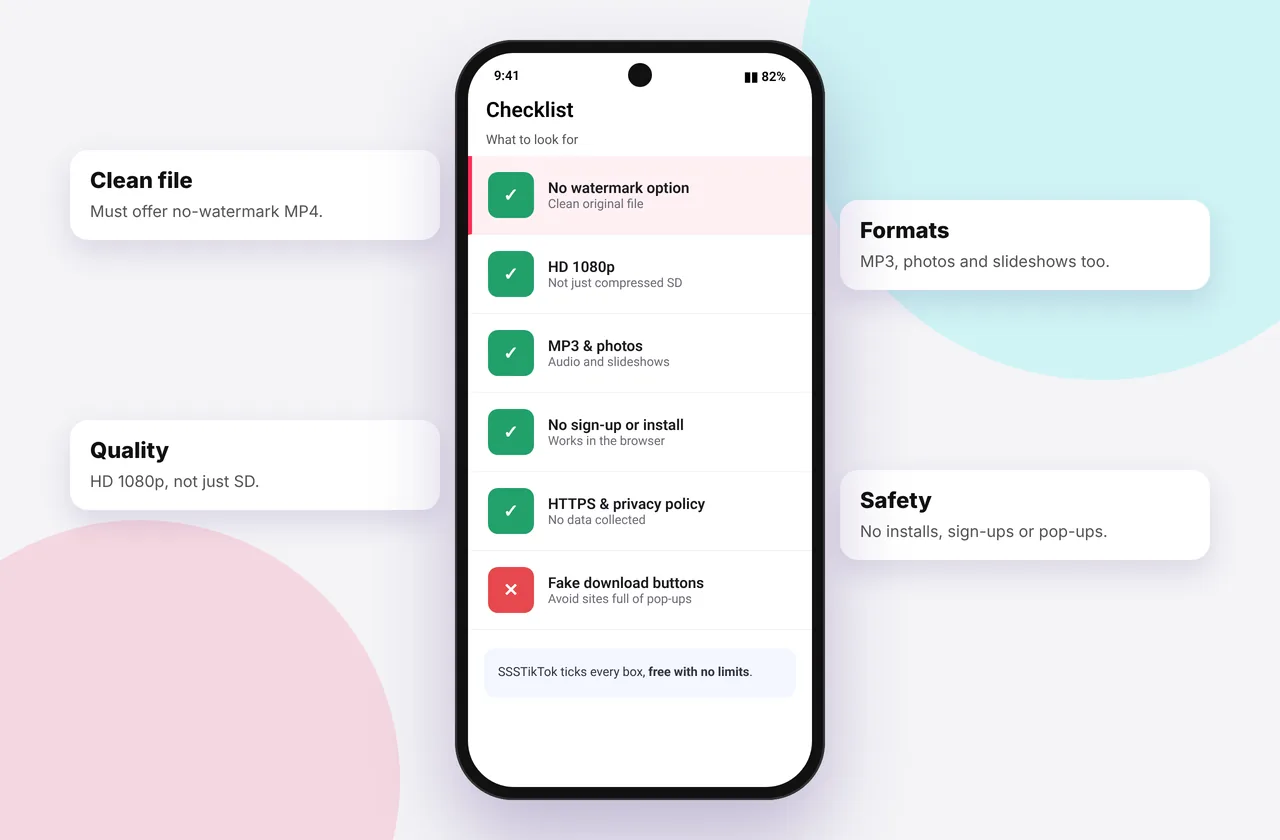
Search "TikTok downloader" and you'll find hundreds of near-identical sites and apps. Many are fine, some are full of misleading ads, and a few are genuinely risky. Rather than a paid "top 10", here are the criteria that matter and how to test any tool in two minutes, including ours.
Our own TikTok downloader without watermark is included in the comparison, judged by the same criteria as the rest.
The 8 criteria that matter
| Criterion | What good looks like | Red flag |
|---|---|---|
| --- | --- | --- |
| Watermark | Clean original file | Blurred or cropped corner |
| Quality | Real 1080p when available | "4K" claims (upscaled) |
| Formats | MP4, HD, MP3, photos | Video only |
| Safety | No installs needed | "Download our app/extension to continue" |
| Privacy | No login, no history | Asks for your TikTok password |
| Ads | Clearly separated from buttons | Fake "Download" buttons in ads |
| Speed | Seconds per link | Countdown timers, queues |
| Honesty | Clear "not affiliated" notice, privacy policy, DMCA process | No contact details or policies |
How to test a downloader in 2 minutes
- Paste a public video link you know has 1080p, ideally one of your own.
- Check the resolution of the result (Photos → swipe up on iPhone, or Details on Android).
- Try MP3 and a photo slideshow.
- Notice the ads. Can you tell real buttons from adverts?
- Read the privacy policy. Is it specific about what's stored?
Online tool vs app vs extension
- Online tools (like SSSTikTok): nothing to install, work everywhere and are always up to date.
- Apps: convenient, but often removed from app stores, ad-heavy, and they need permissions.
- Browser extensions: handy on desktop, but they can read the pages you visit, so only install well-reviewed ones.
Full comparison: TikTok downloader app vs online.
How SSSTikTok measures up
We built SSSTikTok around these criteria: clean MP4 and real HD when available, MP3 and full-size slideshow photos, no install and no login, a 15-minute result cache and no download history, a published privacy policy and DMCA process, and ads kept away from the tool box. We don't claim 4K, because TikTok doesn't provide it. Judge for yourself with the test above.
Other popular options
There are other well-known web tools, such as SnapTik, SSSTik.io, TikMate and others, plus desktop software. Features and ad experiences change often, so apply the checklist rather than trusting any static ranking. See TikTok downloader alternatives and our neutral SSSTik vs SnapTik comparison.
Stay safe
- Never enter your TikTok password on a downloader
- Don't install APKs from unknown sites
- Close tabs that open automatically from ads
- Download only what you have the right to save (legal guide)
Testing in practice: a worked example
Pick a public video you know was uploaded in HD, such as one of your own. Paste it into three downloaders. For each one, note: did it offer HD? What resolution was the file (check it in Photos or Details)? How many adverts did you have to close? Did it try to send you to an app store? Did the MP3 work? After five minutes you'll know which tool you trust, based on evidence rather than marketing.
Signs a downloader isn't trustworthy
- It asks you to log in to TikTok, or to "verify you're human" by installing something.
- The downloaded file has an unexpected extension such as .exe, .apk or .dmg.
- Your browser starts showing notifications from the site after you click "Allow".
- It has no privacy policy, contact address or DMCA process.
Quick device reference
| Device | Best browser | Where files go | Full guide |
|---|---|---|---|
| iPhone | Safari | Files → Downloads, then Share → Save Video | iPhone guide |
| iPad | Safari | Files → Downloads | iPad guide |
| Android | Chrome or Samsung Internet | Download folder and Gallery | Android guide |
| Windows | Chrome, Edge or Firefox | This PC → Downloads (Ctrl + J) | PC guide |
| Mac | Safari or Chrome | Finder → Downloads | Mac guide |
Lost a file? Our page on where TikTok downloads are saved covers every brand and browser.
Every SSSTikTok tool
Safe, private and respectful
- No login, ever. We never ask for your TikTok password. Treat any site that does as a phishing risk.
- No installs. Everything runs in your browser. Ignore any advert that offers an app, extension or "codec".
- No history. Results are cached for about 15 minutes, then deleted. See the privacy policy.
- Public content only. We don't bypass private accounts or deleted posts.
- Credit creators. Saving for personal use is common, but reposting needs permission. Read is it legal to download TikTok videos?
Frequently asked questions
What is the best TikTok downloader?
The best one gives clean HD files, MP3 and photos without installs or logins, with honest ads. Use our checklist to compare.
Are TikTok downloaders safe?
Reputable web tools are, provided you avoid installing anything from ads and never share your password.
Is there a TikTok downloader with 4K?
No real one. TikTok doesn't provide 4K playback files.
Do I need an app to download TikToks?
No. Web tools work on every device.