
Download TikTok Videos on Mac
Save TikToks on your MacBook, iMac or Mac mini in HD, then drop them into Photos, iMovie or Final Cut Pro.
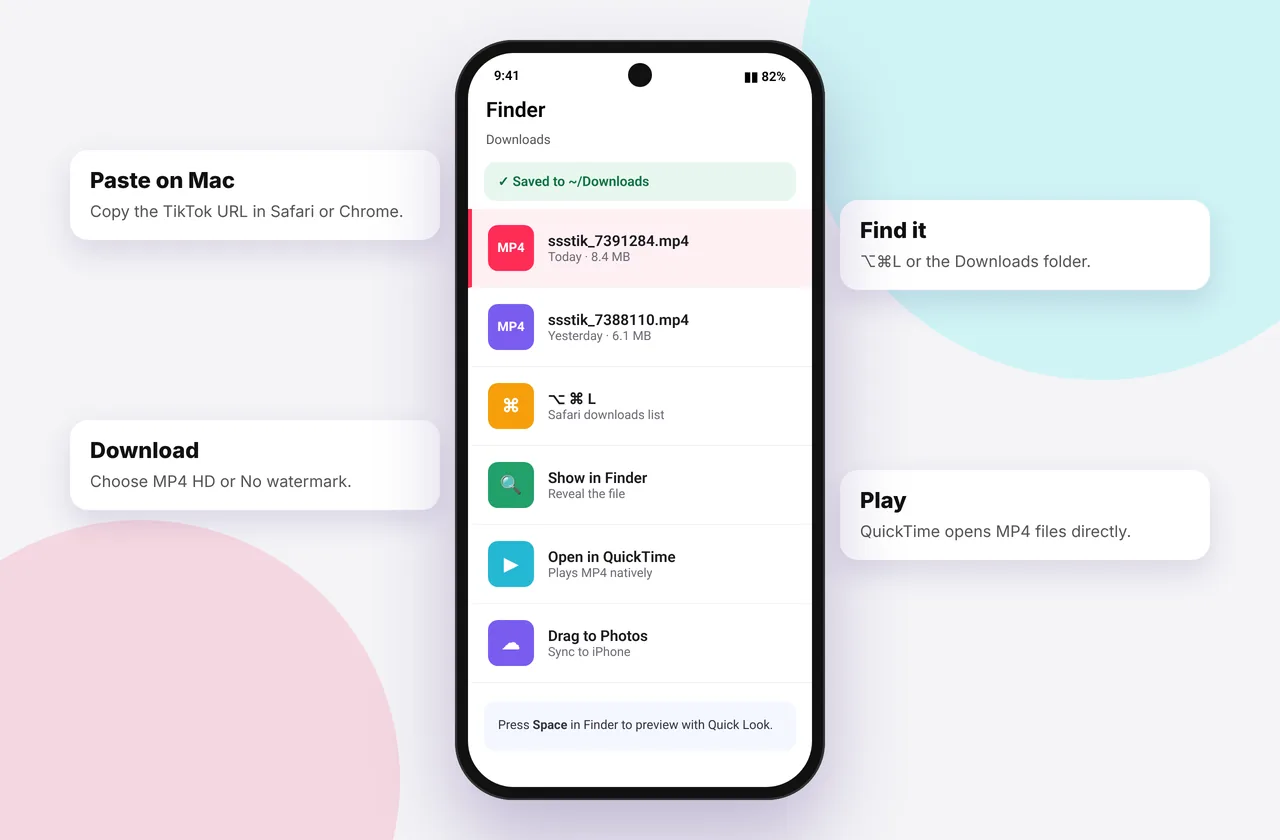
Macs make TikTok downloading simple. Safari and Chrome both save straight to your Downloads folder, and from there it's one drag into Photos, iMovie or Final Cut Pro. No app or extension is needed.

A Mac only needs Safari or Chrome to save TikTok videos with our free tool.
Step-by-step on macOS
- Open the video on tiktok.com in Safari, Chrome, Firefox or Arc.
- Copy the URL: press ⌘ + L then ⌘ + C, or use Share → Copy link under the video.
- Go to ssstiktokdownloader.com, press ⌘ + V in the box and click Download.
- Pick MP4 · No watermark, HD or MP3.
- Find the file in Finder → Downloads, or click the download icon in your browser's toolbar.
In Safari, press ⌥ + ⌘ + L to open the Downloads list instantly.
When Safari plays the video instead
Safari sometimes opens MP4 files in a player. Control-click (or right-click) the download button and choose Download Linked File. In Chrome, choose Save Link As….
Importing into Photos, iMovie and Final Cut
- Photos: drag the MP4 from Downloads into the Photos window, or use File → Import. If iCloud Photos is on, it syncs to your iPhone.
- iMovie: create a project and drag the clip into the timeline. TikTok's 9:16 vertical format is supported. Choose a vertical project or let iMovie add blurred sides.
- Final Cut Pro: create a 1080×1920 project for vertical edits.
For the best results, download the HD version so you're starting from 1080p where available.
Downloading TikTok sounds on Mac
Use MP3 · Audio or the dedicated TikTok MP3 downloader. Files open in the Music app or QuickTime. To make an iPhone ringtone from your Mac, import the clip into GarageBand. See the ringtone guide.
AirDrop to your iPhone
Downloaded on your Mac but want it on your phone? Control-click the file → Share → AirDrop and pick your iPhone. It appears in Photos automatically. It's often faster than downloading on the phone if you're working through several videos. See also save TikTok to camera roll.
Troubleshooting on Mac
- "Safari can't open the page": check your connection or temporarily turn off content blockers for the site.
- The file won't play in QuickTime: very rarely, a codec isn't supported. Open it in VLC or IINA.
- Download is a .webm or .m4a: you chose a different option. Pick MP4 for video.
- Can't find the file: check Safari → Settings → General → File download location.
More help: download not working, no sound and low quality.
Other devices
On Windows, see the PC guide. For mobile, see the iPhone and Android guides, or return to the complete download guide.
Browser-by-browser notes for macOS
Safari
Safari is built into macOS and is the most battery-friendly option on MacBooks. Downloads appear under the arrow icon in the toolbar. To change the folder, open Safari → Settings → General → File download location. If Safari opens an MP4 in a player instead of saving it, Control-click the button and choose Download Linked File, or press ⌥ while clicking a link to download it directly.
Google Chrome
Chrome saves to ~/Downloads by default. Press ⌘ + ⇧ + J to open the downloads page, and click Show in Finder to jump to a file. If you download lots of TikToks, turn on Settings → Downloads → Ask where to save each file so you can sort them into folders as you go.
Firefox, Arc and Brave
All three work the same way. Arc keeps downloads in its sidebar, while Brave's built-in ad blocking doesn't interfere with SSSTikTok's download buttons. If a download stalls in Brave, lower its shields for the site and try again.
Organising downloads with Finder
A tidy library makes saved TikToks far more useful:
- Create a folder such as ~/Movies/TikTok.
- In Finder, use Tags (Control-click → Tags) to label videos, for example "Recipes", "Workouts" or "My uploads".
- Rename files with Control-click → Rename (select several to batch-rename with a pattern like "Recipe 01").
- Make a Smart Folder (File → New Smart Folder) that shows every .mp4 tagged "TikTok", wherever it's stored.
Spotlight indexes file names, so a good name makes a video easy to find later with ⌘ + Space.
QuickTime Player tricks
The MP4s open in QuickTime Player by default. Some built-in features are handy:
- Trim: press ⌘ + T and drag the yellow handles to cut a clip down to the important part.
- Export as audio only: File → Export As → Audio Only creates an M4A file, which is useful if you forgot to choose MP3. For the cleanest audio, use the MP3 downloader instead.
- Rotate: Edit → Rotate Left/Right if a landscape video came out sideways.
- Make a GIF-style loop: View → Loop, which is great for reference clips.
Apple silicon vs Intel Macs
Every Mac from the last decade plays H.264 MP4s. Some newer TikToks use HEVC (H.265). Apple-silicon Macs (M1 and later) and Intel Macs from 2017 onwards decode HEVC in hardware, so playback is smooth. Older Intel Macs may stutter on HEVC 1080p. If that happens, play the file in VLC or IINA, both free, which handle it in software. Read MP4 quality explained for more on codecs.
Using Photos and iCloud across devices
If iCloud Photos is on, any video you import into Photos on your Mac appears on your iPhone and iPad within minutes. That's often faster than downloading on each device. If you'd rather keep TikToks out of your main photo library, store them in iCloud Drive instead. They'll still be available in the Files app on your phone.
Common mistakes on Mac
- Downloading the same video twice. Finder adds "(1)" to the file name, so check before you download again.
- Content blockers breaking the page. Some Safari extensions hide the download area. Turn them off for ssstiktokdownloader.com if buttons are missing.
- Opening the file from the Dock's Downloads stack while it's still downloading. You may see a partial file. Wait for the progress bar to finish.
- Mixing up M4A and MP4. An .m4a file is audio only. Choose MP4 for video.
Mini FAQ: Mac specifics
Can I download TikToks on an old MacBook? Yes, as long as your browser is still receiving updates. Safari on macOS Catalina or later works well.
Why does my Mac say the file "can't be opened"? Usually because the download didn't finish. Delete it and download again. If it persists, open the file in VLC.
How do I send a video to my iPhone without AirDrop? Put it in iCloud Drive, or import it into Photos with iCloud Photos turned on.
Every SSSTikTok tool
Safe, private and respectful
- No login, ever. We never ask for your TikTok password. Treat any site that does as a phishing risk.
- No installs. Everything runs in your browser. Ignore any advert that offers an app, extension or "codec".
- No history. Results are cached for about 15 minutes, then deleted. See the privacy policy.
- Public content only. We don't bypass private accounts or deleted posts.
- Credit creators. Saving for personal use is common, but reposting needs permission. Read is it legal to download TikTok videos?
Frequently asked questions
Where do TikTok downloads go on Mac?
They go to the Downloads folder in Finder by default.
Does SSSTikTok work in Safari on Mac?
Yes. Control-click and choose “Download Linked File” if the video opens in a player.
How do I get the video onto my iPhone?
Use AirDrop, or import it into Photos with iCloud Photos turned on.
Can I edit the downloads in iMovie?
Yes. The MP4 files import directly.
Do I need a Mac app?
No. The website works in any Mac browser.