
TikTok Downloader App vs Online Tool
Apps, extensions and web tools all save TikToks. Here's how they compare on safety, convenience and quality.
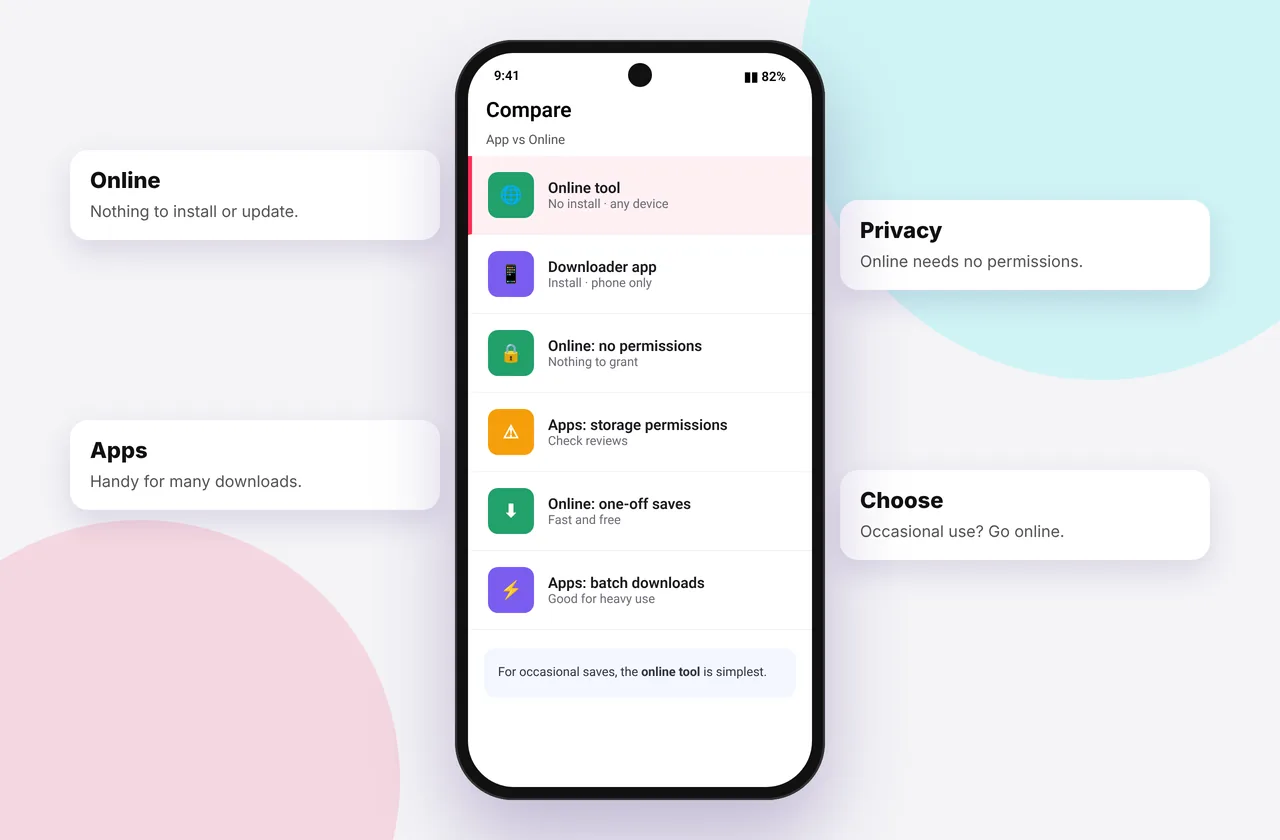
There are three ways to download TikToks with third-party tools: mobile apps, browser extensions and online tools like SSSTikTok. Each has a place, but they differ a lot in safety and reliability.
An online TikTok video downloader like ours runs in any browser with nothing to install.
At a glance
| Online tool | Mobile app | Browser extension | |
|---|---|---|---|
| --- | --- | --- | --- |
| Install needed | No | Yes | Yes |
| Works on iPhone | Yes (Safari) | Few available, often removed | No |
| Works on Android | Yes | Yes (Play Store or APK) | Limited |
| Works on PC/Mac | Yes | No | Yes |
| Permissions | None | Storage, sometimes more | Can read pages you visit |
| Updates | Automatic | Manual, often lag behind | Automatic, if maintained |
| Bulk download | Usually no | Sometimes | Sometimes |
| Risk level | Low | Medium (APKs: high) | Medium |
Online tools: pros and cons
Pros: nothing to install, work on every device, always current, no permissions, easy to switch if one fails.
Cons: you paste links one at a time, and some sites have intrusive ads.
Mobile apps: pros and cons
Pros: can integrate with the share sheet, and sometimes support bulk saving.
Cons: often removed from the App Store and Play Store, heavy ads, permission requests, and APK files from websites can contain malware. iPhone options are very limited.
Browser extensions: pros and cons
Pros: a download button right on tiktok.com, which is convenient for heavy desktop users.
Cons: extensions can read and change the websites you visit. A compromised or sold extension is a real privacy risk. Install only well-reviewed ones from official stores, and remove them when you're done.
Our recommendation
For most people, an online tool is the safest and simplest choice. Add it to your home screen and it behaves like an app with none of the risks. Guides: iPhone, Android and PC.
What about TikTok's own Save button?
It's built in and safe, but it adds a watermark, it's often compressed, and creators can disable it. See how to remove the TikTok watermark.
Related: best TikTok downloader and alternatives.
Worked example: same video, three methods
Saving one HD video on Android: with an online tool, you copy the link, paste it and download, in about 15 seconds with no permissions. With an app, you install it (tens of MB), grant storage access, dismiss adverts and then download. With an extension, which needs a computer, you install it and approve "read and change data on tiktok.com". The file is the same, but the trade-offs aren't.
Checking an extension before you install it
Look at the number of users and recent reviews, the developer's website, the last update date and the permissions requested. Avoid extensions that ask for access to all websites just to download TikToks.
Quick device reference
| Device | Best browser | Where files go | Full guide |
|---|---|---|---|
| iPhone | Safari | Files → Downloads, then Share → Save Video | iPhone guide |
| iPad | Safari | Files → Downloads | iPad guide |
| Android | Chrome or Samsung Internet | Download folder and Gallery | Android guide |
| Windows | Chrome, Edge or Firefox | This PC → Downloads (Ctrl + J) | PC guide |
| Mac | Safari or Chrome | Finder → Downloads | Mac guide |
Lost a file? Our page on where TikTok downloads are saved covers every brand and browser.
Every SSSTikTok tool
Safe, private and respectful
- No login, ever. We never ask for your TikTok password. Treat any site that does as a phishing risk.
- No installs. Everything runs in your browser. Ignore any advert that offers an app, extension or "codec".
- No history. Results are cached for about 15 minutes, then deleted. See the privacy policy.
- Public content only. We don't bypass private accounts or deleted posts.
- Credit creators. Saving for personal use is common, but reposting needs permission. Read is it legal to download TikTok videos?
Frequently asked questions
Is a TikTok downloader app better than a website?
Not usually. Websites need no installs or permissions and work on every device.
Are TikTok downloader APKs safe?
APKs from unknown websites are risky. Prefer official stores or web tools.
Is there a TikTok downloader app for iPhone?
Few exist and they're often removed. Safari with a web tool works reliably.
Can I make SSSTikTok work like an app?
Yes. Add it to your home screen from your browser's menu.