
TikTok Downloader Alternatives
Every way to save TikTok content, from built-in options to other tools, and when each makes sense.
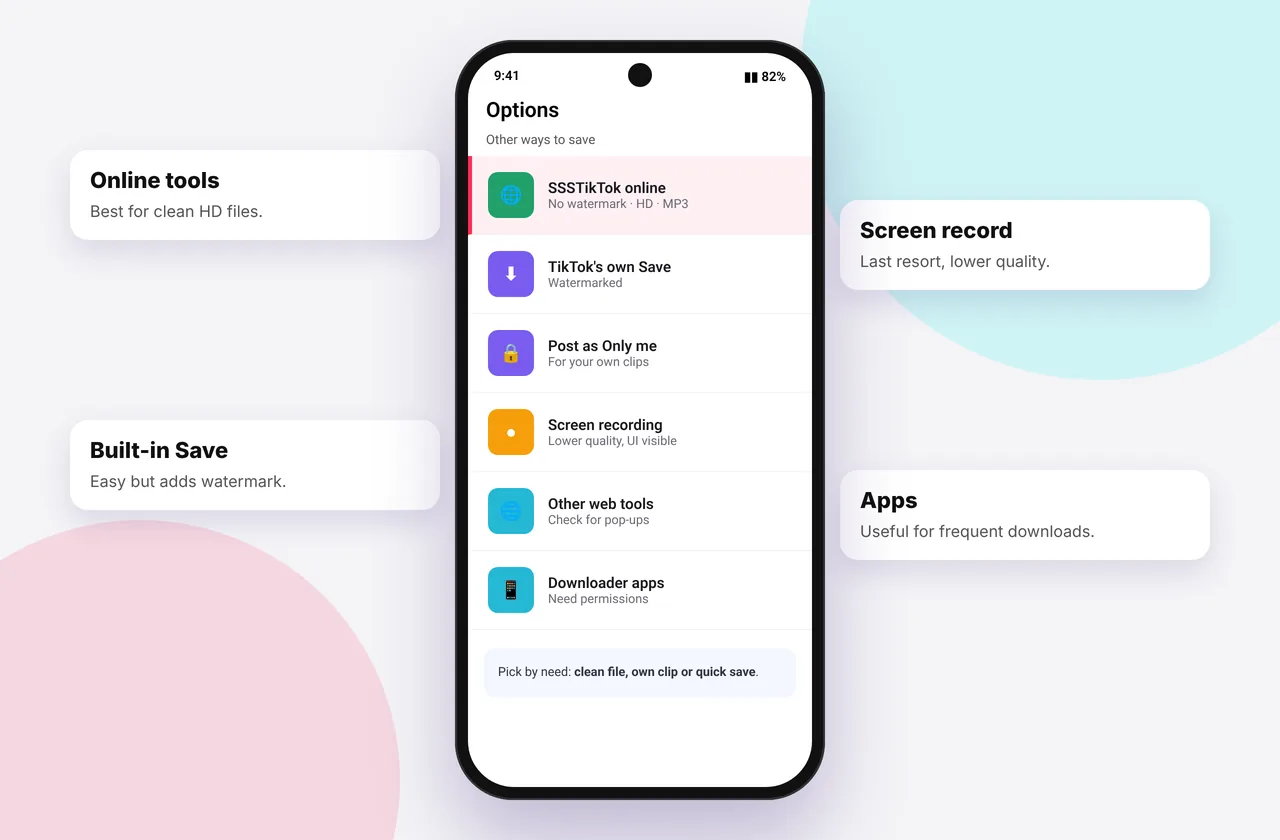
If one downloader isn't working for you, or you want the most official route, there are several alternatives. Here's every option with honest pros and cons.
1. TikTok's built-in "Save video"
How: Share → Save video.
Pros: official, safe, one tap.
Cons: adds a moving watermark, often compressed, and creators can disable it. It's usually missing on videos with licensed music.
2. TikTok "Download your data"
How: Settings → Account → Download your data.
Pros: official and complete, covering your own videos, messages and profile.
Cons: only for your account, and it can take days to arrive.
3. Screen recording
How: Control Center → Screen Recording (iPhone), or Quick Settings → Screen recorder (Android).
Pros: works for anything you can see.
Cons: records the interface, lower quality, audio needs setting up, and it's not suitable for private content you don't have the right to keep.
4. CapCut (for your own edits)
Pros: exports your own videos at high quality without a watermark.
Cons: only works for content you made.
5. Other online downloaders
Plenty of web tools exist, such as SnapTik, SSSTik.io, TikMate and MusicalDown. They do broadly the same job. Compare them using our best TikTok downloader checklist and our neutral SSSTik vs SnapTik page. ssstiktokdownloader.com isn't affiliated with these sites.
6. Desktop software and command-line tools
Open-source tools like yt-dlp can download TikToks on a computer. Pros: powerful, scriptable and good for archiving your own account. Cons: technical, and they still need public links.
7. Apps and extensions
These are covered in detail in app vs online. They're convenient but carry more risk.
Which alternative should you choose?
| Situation | Best option |
|---|---|
| --- | --- |
| Quick save with credit | TikTok Save video |
| Clean HD copy of a public video | SSSTikTok or another web tool |
| Back up your whole account | Download your data |
| Your own edits in top quality | CapCut |
| Technical archiving | yt-dlp |
Whatever you use, respect creators' rights (legal guide). Ready to try ours? Go to the TikTok downloader.
Worked example: backing up your whole TikTok account
If you're leaving TikTok or want a complete backup, request your data: Settings → Account → Download your data, then choose JSON or TXT and request it. When it's ready, usually within a few days, download the archive from the same screen. It includes links to your videos. For clean files of individual posts, you can also download each public video here.
Choosing between screen recording and downloading
Screen recording captures exactly what's on screen, including buttons and notifications. It's lower quality, and on iPhone the audio needs setting up. Downloading the original file gives a clean, sharper result. Use screen recording only when there's no link to copy, and only for content you have the right to keep.
Quick device reference
| Device | Best browser | Where files go | Full guide |
|---|---|---|---|
| iPhone | Safari | Files → Downloads, then Share → Save Video | iPhone guide |
| iPad | Safari | Files → Downloads | iPad guide |
| Android | Chrome or Samsung Internet | Download folder and Gallery | Android guide |
| Windows | Chrome, Edge or Firefox | This PC → Downloads (Ctrl + J) | PC guide |
| Mac | Safari or Chrome | Finder → Downloads | Mac guide |
Lost a file? Our page on where TikTok downloads are saved covers every brand and browser.
Every SSSTikTok tool
Safe, private and respectful
- No login, ever. We never ask for your TikTok password. Treat any site that does as a phishing risk.
- No installs. Everything runs in your browser. Ignore any advert that offers an app, extension or "codec".
- No history. Results are cached for about 15 minutes, then deleted. See the privacy policy.
- Public content only. We don't bypass private accounts or deleted posts.
- Credit creators. Saving for personal use is common, but reposting needs permission. Read is it legal to download TikTok videos?
Frequently asked questions
What can I use instead of a TikTok downloader?
TikTok's own Save video, Download your data for your own account, CapCut for your edits, or other web tools.
Is screen recording TikTok allowed?
Recording for personal use is common, but redistributing others' content needs permission.
Does TikTok's Download your data include videos?
Yes, it includes your own uploaded videos.