
How to Save a TikTok Profile Picture in Full Size
TikTok shows profile photos as tiny circles. Here's how to see and save the full-size image on any device.
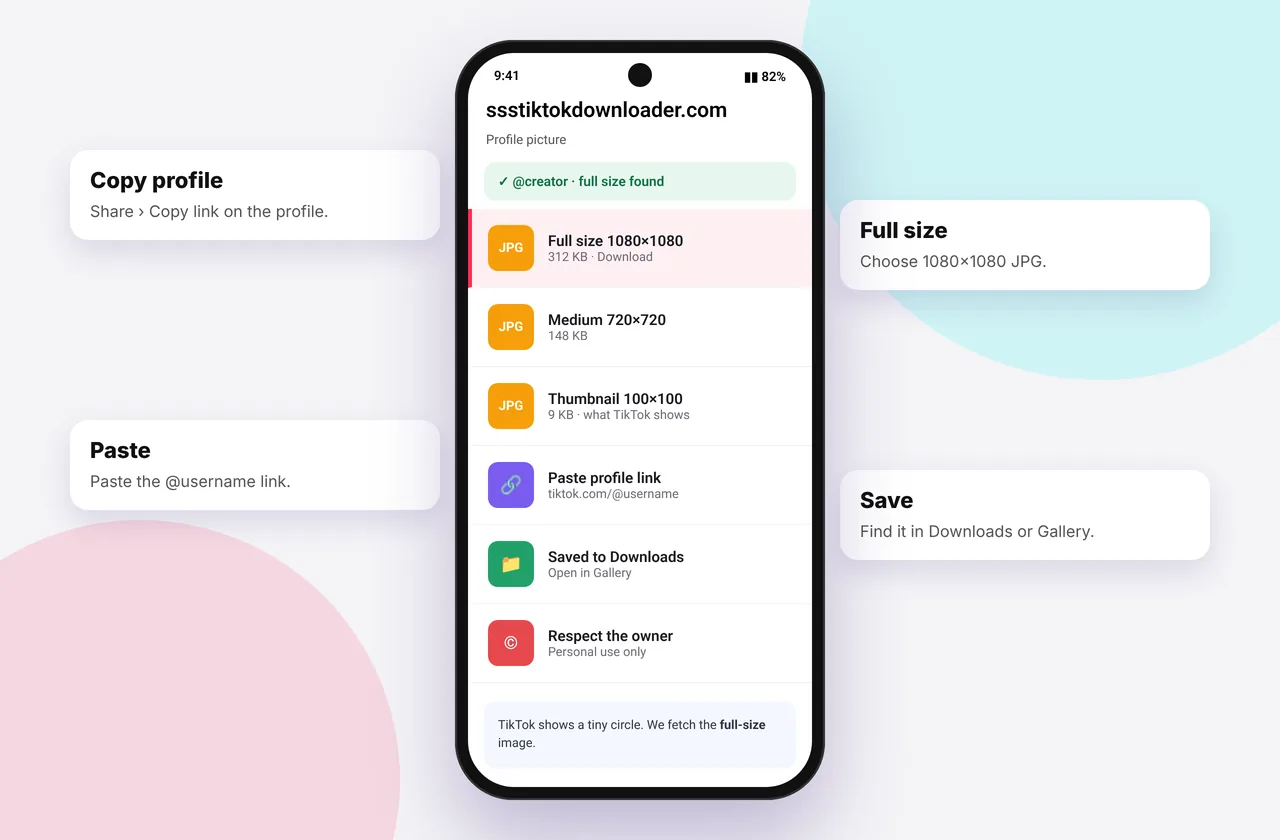
TikTok profile pictures appear as small circles, about 100 pixels across in most places. Sometimes you need a bigger version: to check whether an account is genuine, to recover your own old profile photo, or to see a brand's logo clearly. This guide shows the reliable ways to get the largest version TikTok serves, on every device.
Our download box works with video and photo post links. Profile links (tiktok.com/@username) are not videos, so use the methods below for avatars. They take under a minute.
Method 1: Your own profile picture (any device)
If it's your own photo, the best-quality copy is the original on your phone or computer. If you no longer have it:
- Open TikTok and go to Profile.
- Tap Edit profile → Change photo. TikTok shows the current image larger.
- Request your data: Settings → Account → Download your data. TikTok's export includes your profile information and links to your media. It can take a few days to arrive.
Method 2: Any public profile on a computer
- Open tiktok.com/@username in Chrome, Edge, Firefox or Safari.
- Right-click the profile photo and choose Open image in new tab.
- The image opens at the size TikTok loaded, typically 720×720 for the large avatar variant. Right-click it and choose Save image as….
If the browser shows a small 100×100 version, look at the image address. TikTok serves several sizes, and the profile header usually loads the largest. Opening the profile page itself, rather than a video page, generally gives the biggest version.
Method 3: On iPhone or Android
- Open the profile at tiktok.com/@username in Safari or Chrome. You may need to tap "Not now" if it asks to open the app.
- Long-press the profile photo.
- Tap Open in new tab or Open image, then long-press again and choose Save to Photos or Download image.
On iPhone, if long-press doesn't offer an image option, request the desktop site (aA → Request Desktop Website) and try again.
What size will I get?
TikTok generally stores avatars at up to 720×720 or 1080×1080, depending on what the user uploaded. If the person uploaded a small picture, nothing can make it sharper. "HD avatar" tools that promise more simply upscale the image.
Why you might need a profile picture
- Verifying an account: compare a suspected impersonator's photo with the official account.
- Recovering your own photo after losing the original file.
- Brand assets: brands usually publish official logos on their websites, which are better quality than avatars.
- Reporting abuse: keep a record of an account that is harassing you before you report it to TikTok.
Respect privacy
Profile photos often show a real face. Saving someone else's photo to repost it, use it on another account or track them is not okay, and impersonation breaks TikTok's rules and the law in many countries. Use this guide for legitimate purposes. Read more in is it legal to download TikTok content?.
Related downloads
Want the video's cover instead? Use the TikTok thumbnail downloader. To save the posts themselves, use the TikTok video downloader or the photo slideshow downloader. If you can't find a saved image, see where TikTok downloads are saved.
Quick device reference
| Device | Best browser | Where files go | Full guide |
|---|---|---|---|
| iPhone | Safari | Files → Downloads, then Share → Save Video | iPhone guide |
| iPad | Safari | Files → Downloads | iPad guide |
| Android | Chrome or Samsung Internet | Download folder and Gallery | Android guide |
| Windows | Chrome, Edge or Firefox | This PC → Downloads (Ctrl + J) | PC guide |
| Mac | Safari or Chrome | Finder → Downloads | Mac guide |
Lost a file? Our page on where TikTok downloads are saved covers every brand and browser.
Every SSSTikTok tool
Safe, private and respectful
- No login, ever. We never ask for your TikTok password. Treat any site that does as a phishing risk.
- No installs. Everything runs in your browser. Ignore any advert that offers an app, extension or "codec".
- No history. Results are cached for about 15 minutes, then deleted. See the privacy policy.
- Public content only. We don't bypass private accounts or deleted posts.
- Credit creators. Saving for personal use is common, but reposting needs permission. Read is it legal to download TikTok videos?
Frequently asked questions
Can I paste a profile link into the downloader?
No. The box works with video and photo post links. Use the browser steps on this page for profile pictures.
What is the largest TikTok profile picture size?
Usually up to 720×720, sometimes 1080×1080, depending on the upload.
Does the user get notified if I view their profile picture?
Viewing a profile on the website while logged out doesn't notify anyone. TikTok's profile-view history feature applies to logged-in viewers in the app.
Can I see a private account's profile picture?
The small public avatar is visible on private accounts too, but private posts are not.
How do I get my old TikTok profile picture back?
Request your data from TikTok in Settings → Account → Download your data.